
Campaigns
Understand Campaign delivery analytics
Campaign reports distinguish sent, delivered, read, failed, and blocked messages.
Before you start
Log in to the correct workspace and have the necessary permissions based on your role. Use only valid data and communication.
Step-by-step instructions
Follow these steps in order. You can keep this guide open while working in another Tautiva tab.
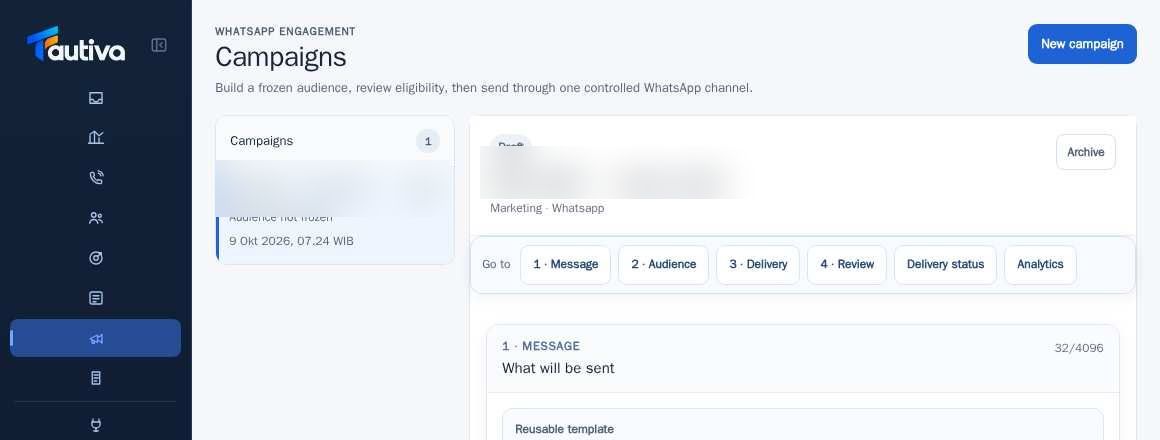
Open Campaigns and select the Campaign that has been run.
Click Analytics or navigate to the Cumulative delivery funnel.
Read the number of recipients as candidates processed in the context of the Campaign.
Compare provider-accepted/sent, delivered, read, failed, blocked, and cancelled.
If there are failed results, open Delivery status for more detailed handling.
Report results with a clear period and Campaign, without mentioning read as a sales transaction.
PRACTICAL EXAMPLE
Example from daily work
Example: 100 recipients, 90 delivered, 50 read does not mean 50 sales.
This is a fictional training example. No real customer data was used.
Expected result
Steps and results can be reviewed in the relevant module; send/save actions require SOP and permission.
Important notes
- Read does not automatically mean the customer agrees to buy.
- Acceptance, delivered, and read have different meanings and can change after the provider gives an update.
If something goes wrong
- The numbers appear to be slow to change: wait for the provider's status update and refresh according to the control.
- High blocked rate: check consent, suppression, and recipient eligibility.
This guide describes the interface reviewed on 13 October 2026. Documentation testing did not send real messages, invite users, process payments, or modify real customer records.