
Campaigns
Create a customer segment for Campaigns
A segment is a group of customers selected using defined rules.
Before you start
Log in to the correct workspace and have the necessary permissions based on your role. Use only valid data and communication.
Step-by-step instructions
Follow these steps in order. You can keep this guide open while working in another Tautiva tab.
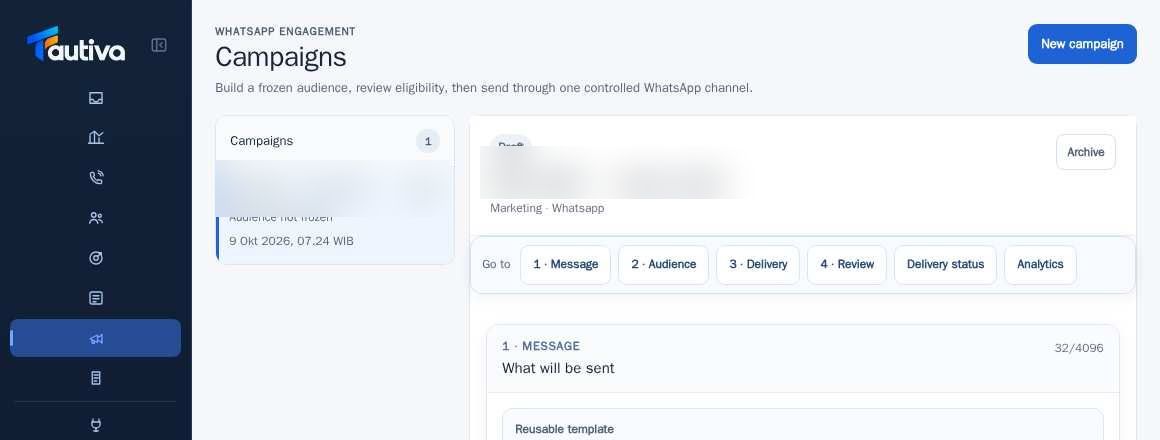
Open Campaigns and select the draft you want to prepare.
In 2 · Audience, select Saved segment to use a previously saved segment.
If you have segment creation control and your role allows it, specify criteria such as tags, accounts, owners, or customer names.
Check the preview of the number of candidates and the criteria used.
Make sure the list not only matches the rules but also meets the communication permission requirements.
Freeze the audience only after checking the selection and eligibility.
PRACTICAL EXAMPLE
Example from daily work
Example: customers with the tag 'Interested in product A' and valid WhatsApp promotion permission become potential recipients.
This is a fictional training example. No real customer data was used.
Expected result
Steps and results can be reviewed in the relevant module; sending/saving actions require SOP and permission.
Important notes
- Segments based on tags do not automatically grant marketing permission.
- Changes to rules after freezing require re-review, do not secretly replace the recipient list.
If something goes wrong
- Empty segment: check combined rules, tags, accounts, and profile data.
- Recipients are rejected during review: check consent or WhatsApp channel numbers.
This guide describes the interface reviewed on 13 October 2026. Documentation testing did not send real messages, invite users, process payments, or modify real customer records.