
Campaigns
Select and review Campaign recipients
Select and verify Campaign recipients before delivery to avoid messaging the wrong people.
Before you start
Already logged in to the workspace and have the necessary permissions.
Step-by-step instructions
Follow these steps in order. You can keep this guide open while working in another Tautiva tab.
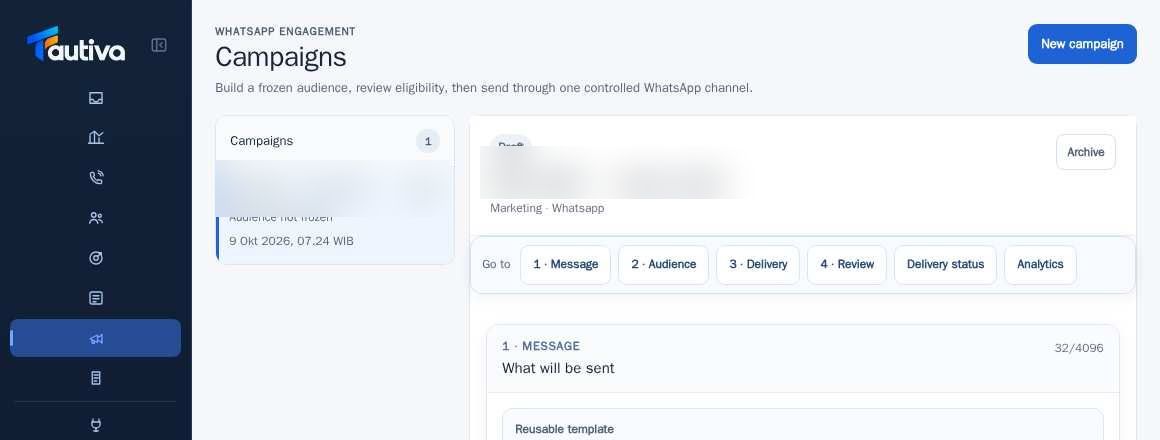
Open the Campaign draft.
Move to step 2 · Audience.
Choose Select customers to manually select customers, or Saved segment to use a saved group.
Check candidate recipients and eligibility criteria, including customer communication permissions.
Click Freeze audience to freeze the recipient list at the review stage.
Check Preview personalization and fix empty data before proceeding.
PRACTICAL EXAMPLE
Example from daily work
Example: Only customers who have given permission to receive product information and meet the segment selection criteria can be chosen.
This is a fictional training example. No real customer data was used.
Expected result
Changes or information are visible on the screen according to the actions taken.
Important notes
- A frozen list is not a permission to ignore consent; eligibility is re-checked at the time of sending.
- Do not send Campaigns to people who have not given communication permission.
If something goes wrong
- Recipients not eligible? Check consent, tags, WhatsApp contacts, and sending restrictions.
This guide describes the interface reviewed on 13 October 2026. Documentation testing did not send real messages, invite users, process payments, or modify real customer records.