
Common problem Situation
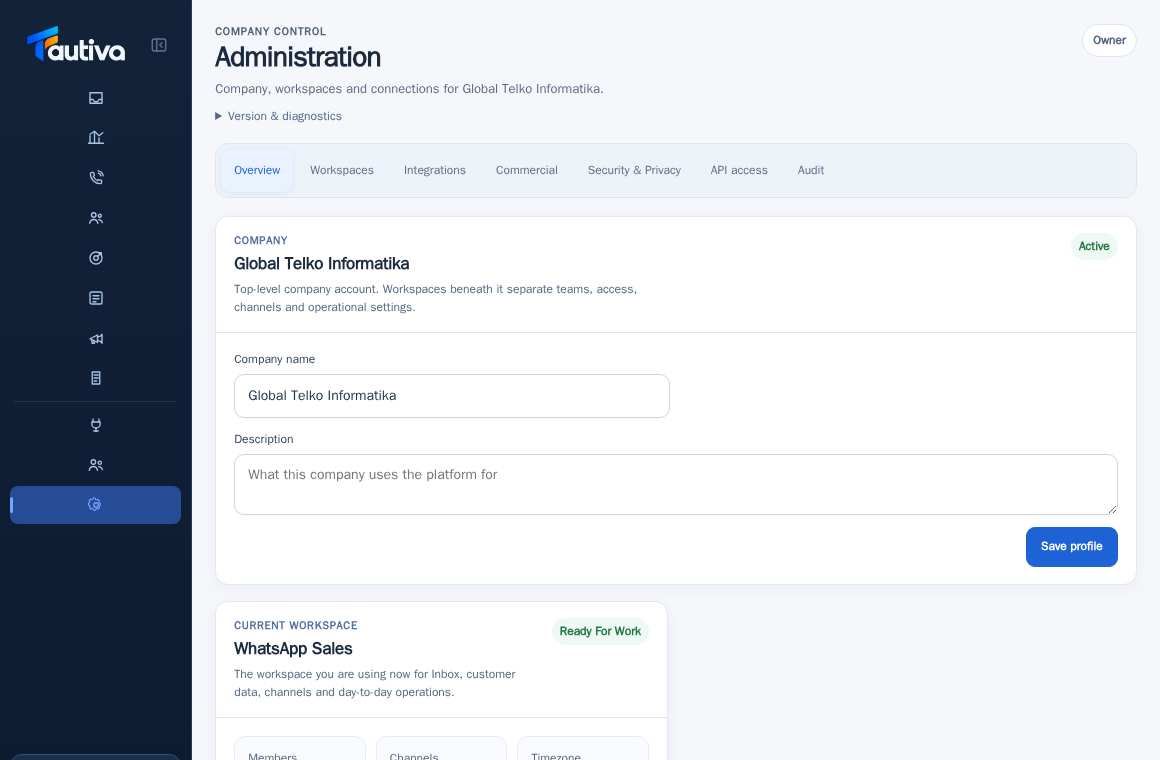
Information to prepare when requesting admin support
Clear details help an administrator troubleshoot a problem. Never share your password.
Before you start
Access to the workspace and the correct role.
Step-by-step instructions
Follow these steps in order. You can keep this guide open while working in another Tautiva tab.
Note the menu and button names used when the issue occurred.
Write down the time of the incident and the error message exactly as seen.
Explain what you want to do and what actually happened.
If a screenshot is needed, cover phone numbers, personal email addresses, and customer data.
Mention your workspace and role, without sharing your password or login token.
Send it through the official help channel designated by the company.
PRACTICAL EXAMPLE
Example from daily work
Example report: 'Cases menu, 09:15 WIB, clicking New case displays a failed message, Agent role, Tim Layanan workspace.'
This is a fictional training example. No real customer data was used.
Expected result
You will know the safe steps and the results that need to be checked, without modifying the data before the procedure is approved.
Important notes
- Never send passwords, cookies, recovery links, or OTPs.
- Avoid sharing full database dumps or complete customer data files just to report a bug.
If something goes wrong
- If you don't know who the admin is: ask your supervisor or workspace manager.
- If the impact is stopping customer service, explain the urgency so it can be prioritized.
This guide describes the interface reviewed on 13 October 2026. Documentation testing did not send real messages, invite users, process payments, or modify real customer records.