
Common problem Situation
Troubleshoot an interrupted queue sync
If queue sync is interrupted, the conversation list may be out of date. Check the connection before taking action.
Before you start
You have already opened the Inbox page.
Step-by-step instructions
Follow these steps in order. You can keep this guide open while working in another Tautiva tab.
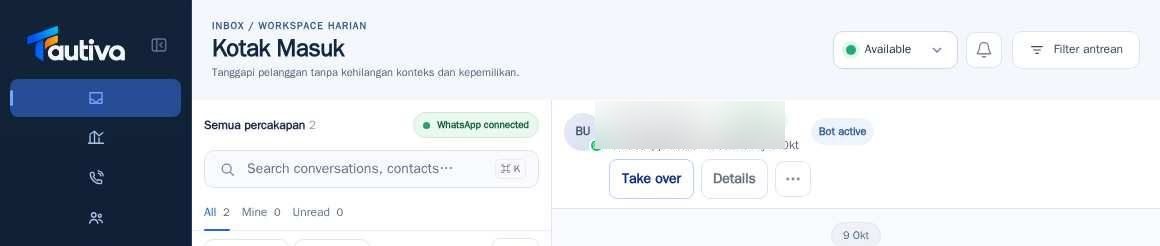
Read the last sync time visible on the notification.
Press the Retry button once to try updating the queue.
Check your internet connection and reopen the Inbox if necessary.
Compare the status of Channels if available.
If it still appears, send a screenshot of the status and its time to the administrator.
PRACTICAL EXAMPLE
Example from daily work
Example: the list shows the last sync 10 minutes ago; the agent presses Retry before making a decision based on the number of chats.
This is a fictional training example. No real customer data was used.
Expected result
The queue is reconnected or the disruption has enough information to be handled by the administrator.
Important notes
- Do not assume the queue data is real-time when the warning is still displayed.
- Avoid pressing Send multiple times if the message has not been sent yet.
If something goes wrong
- Retry still fails? Record the last sync time and WhatsApp status for the admin.
This guide describes the interface reviewed on 13 October 2026. Documentation testing did not send real messages, invite users, process payments, or modify real customer records.