
Common problem Situation
Troubleshoot sign-in problems
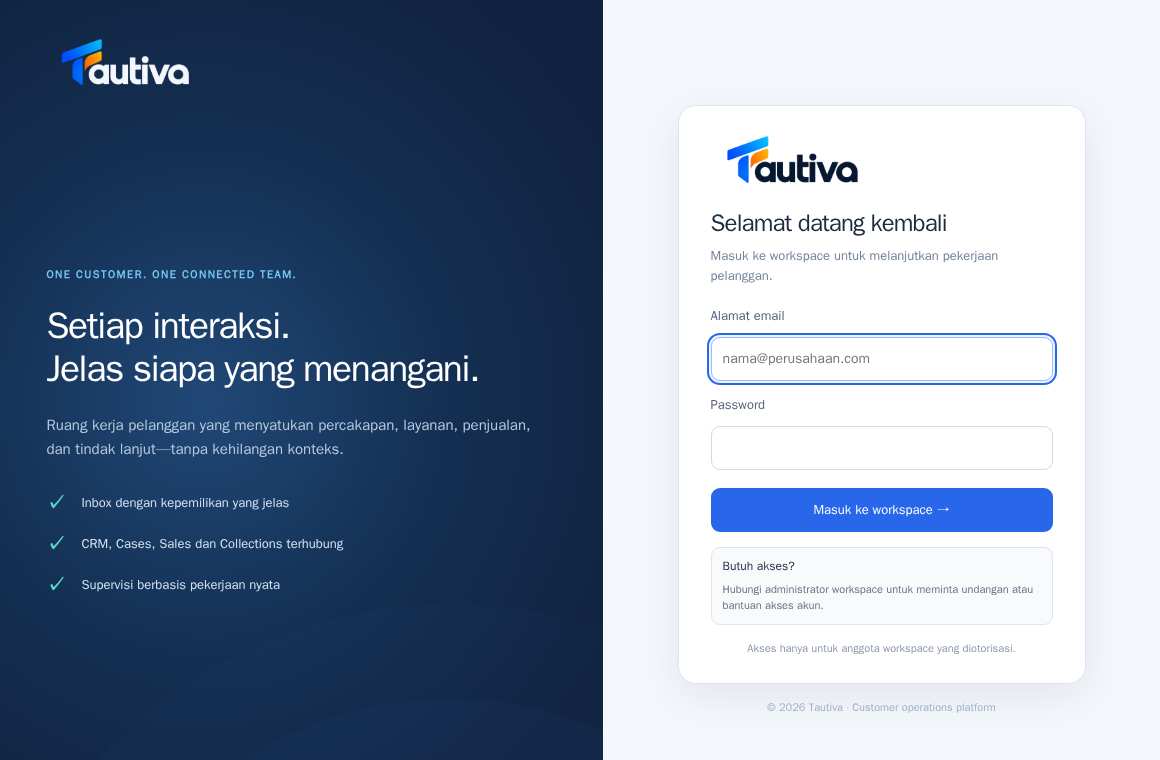
Sign-in may fail because the password is incorrect, the invitation is missing, or the session has expired.
Before you start
Already logged in to the workspace and have the appropriate permissions.
Step-by-step instructions
Follow these steps in order. You can keep this guide open while working in another Tautiva tab.
Ensure the site address is correct: tautiva-app.intrabis.id/login.
Check the email account without spaces at the front or back.
Re-type the password, paying attention to uppercase and lowercase letters.
If newly invited, ensure the invitation has been accepted and has not expired.
If still failing, contact the workspace administrator to check the account and access.
PRACTICAL EXAMPLE
Example from daily work
Example: a new colleague has not received a Team invitation; the admin sends an official invitation, not sharing another user's password.
This is a fictional training example. No real customer data was used.
Expected result
Changes or information are displayed on the screen according to the actions taken.
Important notes
- Do not send passwords to admins via chat.
- Do not create a new account to overcome access issues to the old workspace.
If something goes wrong
- Has the invitation expired? Ask the administrator to create a new invitation.
This guide describes the interface reviewed on 13 October 2026. Documentation testing did not send real messages, invite users, process payments, or modify real customer records.