
Common problem Situation
Troubleshoot unsent WhatsApp messages
Do not resend a message repeatedly before checking its status; this could send duplicate messages.
Before you start
Access to the workspace and the correct role.
Step-by-step instructions
Follow these steps in order. You can keep this guide open while working in another Tautiva tab.
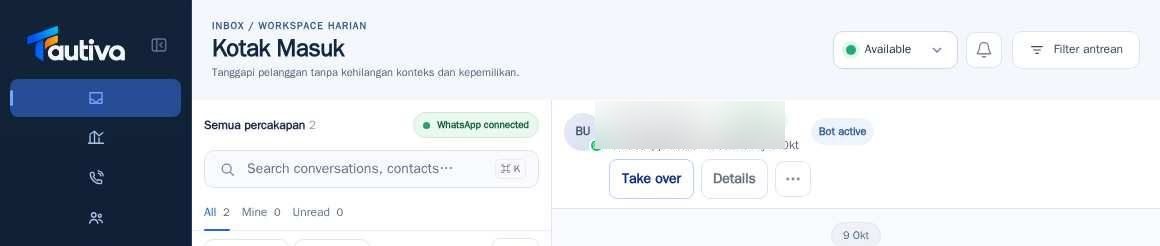
Open the related conversation and check if the message has appeared in the history.
Read the sending status, such as pending or failed, if displayed.
Do not press Send again before ensuring the first message was not received.
Ask the admin to check the channel status in Channels.
If the provider's disruption continues, record the time, conversation, and error message for investigation.
After the connection is restored, follow up only on messages that have not been successfully sent.
PRACTICAL EXAMPLE
Example from daily work
Example: the Send button feels slow; the officer waits for proof of status before trying to resend.
This is a fictional training example. No real customer data was used.
Expected result
You will know the safe steps and the results that need to be checked, without modifying the data before the procedure is approved.
Important notes
- Sent and read status are two different events.
- Do not use the recipient customer as a place for repeated testing.
If something goes wrong
- Channels show disconnected: recovery must be done by authorized personnel.
- Stale queue: use Retry and check the last sync time before deciding.
This guide describes the interface reviewed on 13 October 2026. Documentation testing did not send real messages, invite users, process payments, or modify real customer records.