
Collections
Read the Collections operations dashboard
Collections reports distinguish external invoice records from payment obligations entered for follow-up.
Before you start
You have logged in to the workspace and have the necessary permissions.
Step-by-step instructions
Follow these steps in order. You can keep this guide open while working in another Tautiva tab.
Go to Collections and click on the Operations dashboard.
Click Refresh report if you need to reload the summary.
Read External invoice snapshots, Payment claims requiring review, and Canonical identities unresolved as the number of records, not the monetary balance.
Check the External invoice action queue and Registered obligation follow-up tables.
Use the Review invoice link if there are invoices that need to be reviewed.
PRACTICAL EXAMPLE
Example from daily work
Example: 12 external invoice snapshots and 5 registered obligations do not mean the company has 17 unique invoices.
This is a fictional training example. No real customer data was used.
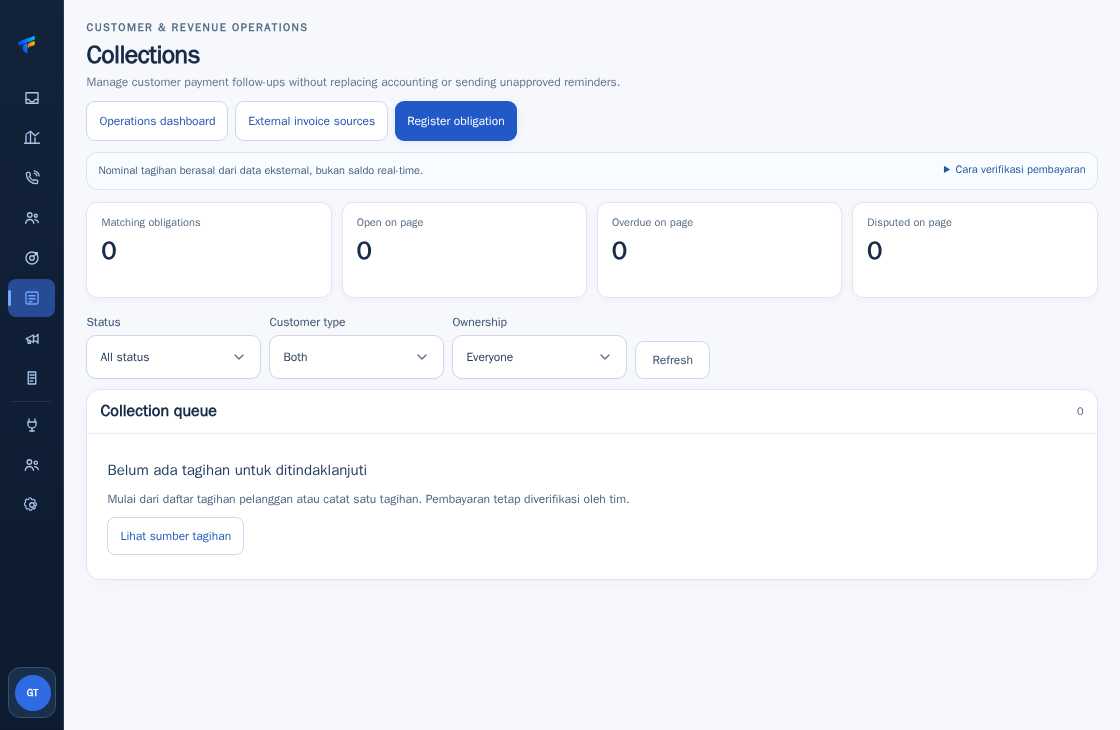
Expected result
Changes or information are displayed on the screen according to the actions taken.
Important notes
- The numbers on the report are the number of records in their context. Do not add up the snapshot CSV and obligation to become the verified debt value.
- If the report is slow, try refreshing once and contact the admin if it still fails.
If something goes wrong
- Is the old report loading? Try clicking Refresh report once, then contact the admin if it still doesn't finish.
This guide describes the interface reviewed on 13 October 2026. Documentation testing did not send real messages, invite users, process payments, or modify real customer records.