
Team & administration
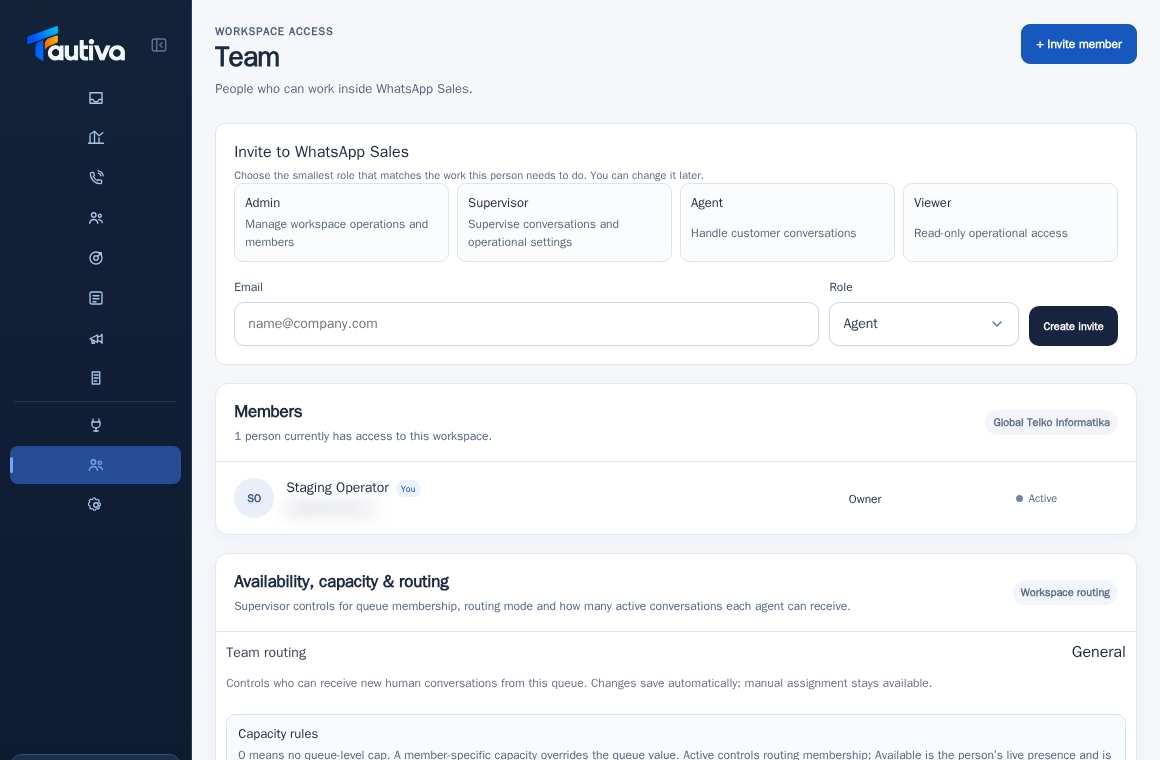
Review pending workspace invitations
Review pending invitations to see who has not yet joined the workspace.
Before you start
Access to the workspace and the correct role.
Step-by-step instructions
Follow these steps in order. You can keep this guide open while working in another Tautiva tab.
Open Team and scroll to Pending invitations.
Check the number of invitations still pending.
Match the recipient's address with valid employee data.
Check the validity period and status before creating a new invitation.
If expired, use the provided action to reinvite if permission is granted.
Do not directly create a second account for the same email.
PRACTICAL EXAMPLE
Example from daily work
Example: the admin finds an officer who has not completed the invitation and therefore does not have access to the Inbox.
This is a fictional training example. No real customer data was used.
Expected result
You will know the safe steps and results to check without altering data before the procedure is approved.
Important notes
- Invitations are not proof that someone has become an active member.
- Ensure the recipient's email address is correct before resending.
If something goes wrong
- No data in Pending invitations: the invitation may have been accepted or never created.
- Recipient did not receive the email: ask to check spam and then check the log/status gateway via admin.
This guide describes the interface reviewed on 13 October 2026. Documentation testing did not send real messages, invite users, process payments, or modify real customer records.