
Team & administration
Understand plan limits and read-only features
Available menus depend on your plan, workspace settings, and permissions.
Before you start
Access to the workspace and the correct role.
Step-by-step instructions
Follow these steps in order. You can keep this guide open while working in another Tautiva tab.
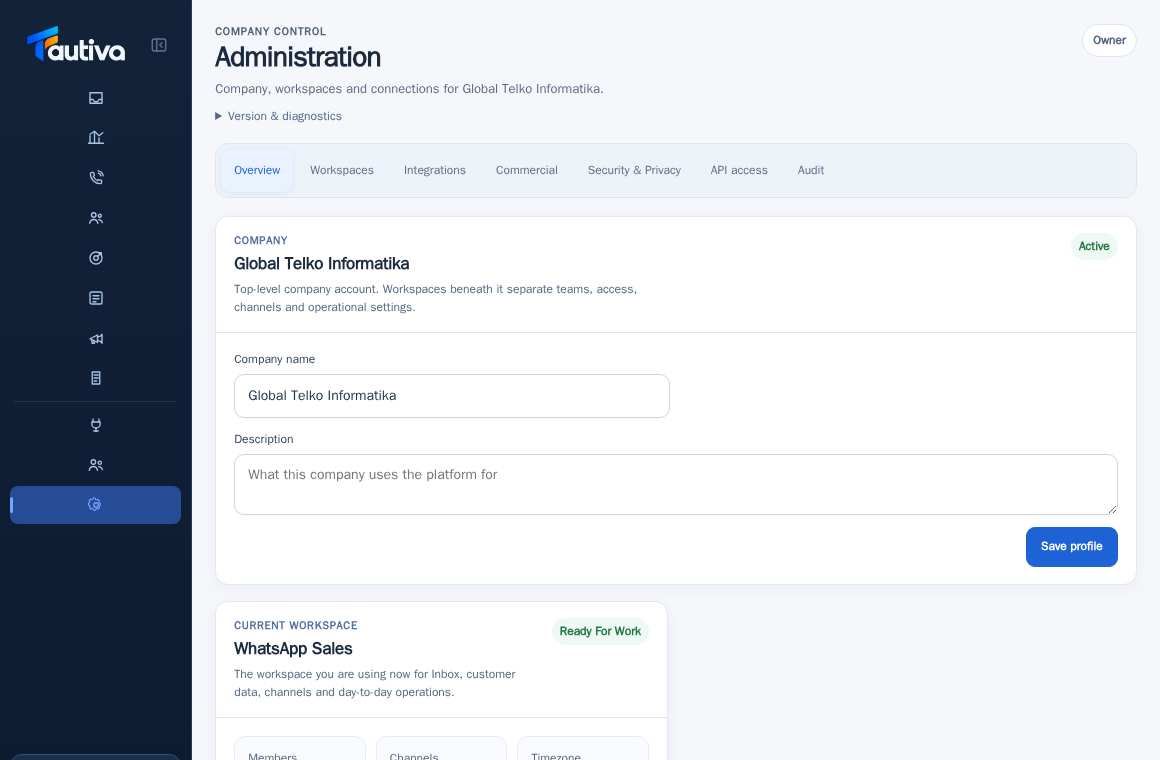
Open Administration and select Overview.
Find the Available product features section.
Compare features marked as Available, Read Only, or Not enabled.
If Not enabled, check the package or entitlement given to the company.
If Read Only, avoid attempting unauthorized configuration actions.
For feature or quota changes, request help from the party managing the platform subscription.
PRACTICAL EXAMPLE
Example from daily work
Example: the package allows CRM but does not allow configuration of certain commercial features.
This is a fictional training example. No real customer data was used.
Expected result
You understand the safe steps and the results that need to be checked, without changing data before the procedure is approved.
Important notes
- Available does not mean unlimited; a package can apply separate quotas.
- Read Only can be caused by role or feature status.
If something goes wrong
- Inactive button: check role and entitlement, do not repeat clicks.
- Feature suddenly disappears: record the time of occurrence for admin review.
This guide describes the interface reviewed on 13 October 2026. Documentation testing did not send real messages, invite users, process payments, or modify real customer records.