
Inbox & customer support
Review mentions and team notifications
Notifications and mentions can point you to messages, tasks, or Cases that need attention.
Before you start
Log in to the correct workspace and have the necessary permissions according to your role.
Step-by-step instructions
Follow these steps in order. You can keep this guide open while working in another Tautiva tab.
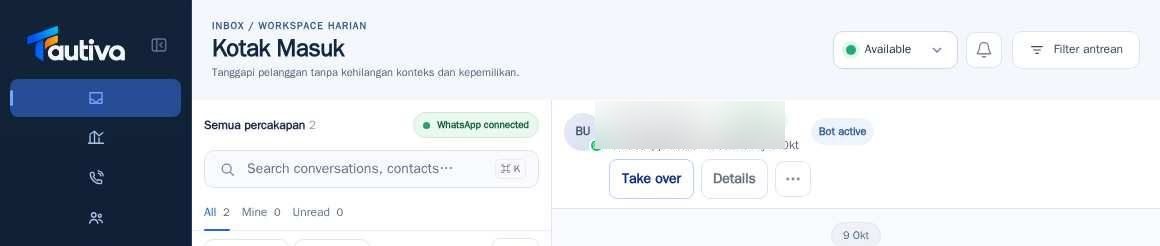
Open Inbox and look for the Notifications button.
Click the button to view the latest notifications.
Read the type of notification, time, and context.
If there is a link to a conversation or Case, open it directly to the relevant item.
Review the task before marking it as followed up.
If the link cannot be opened, check the workspace permissions and report the task ID without copying personal data.
PRACTICAL EXAMPLE
Example from daily work
Example: a supervisor mentions an agent in an internal note to request follow-up with a customer.
This is a fictional training example. No real customer data was used.
Expected result
Actions are understood and results can be checked on the workspace page. For data changes, only perform them according to the SOP.
Important notes
- Notifications do not necessarily mean the customer has received the message.
- Do not mark as completed before the work is done.
If something goes wrong
- Notification link to unauthorized page: check members and roles with the admin.
- Notifications are not updated: reload once and check the internet connection.
This guide describes the interface reviewed on 13 October 2026. Documentation testing did not send real messages, invite users, process payments, or modify real customer records.